Printing the Enrollment Certificate via the Digital Learning Platform (ENT)
Students,
You can now access a new feature through your digital campus portal: the ability to print your enrollment certificate for the current academic year.
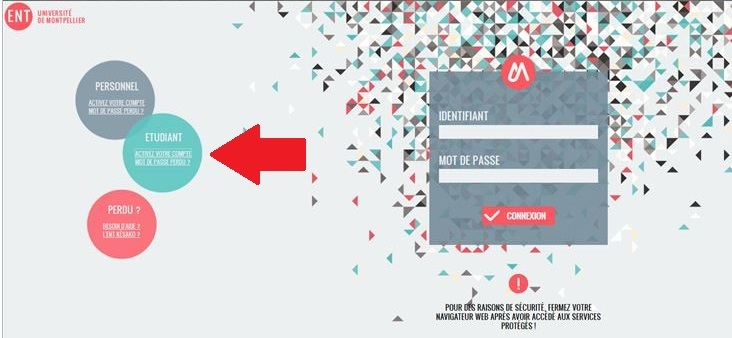
Instructions for obtaining the digital enrollment certificate via the student digital campus platform:
– The student must first verify their UM IT account at
– Access the digital campus (ENT) at
– Click on the “My File, Academic Transcript,” Results, Administrative Records” (available in the “Academic Records” tab)
– then click on “Registration”; there, a “Certificate of Enrollment” button will allow the student to download the certificate of enrollment for the current academic year in PDF format.
Currently, each student has 3 enrollment certificates on the Scol Pass, which is issued at the time of registration.
This new feature is therefore an additional service provided to users.